Copied facts
The warranty, the price, the battery life: written in ten places, updated in three.

Brand context
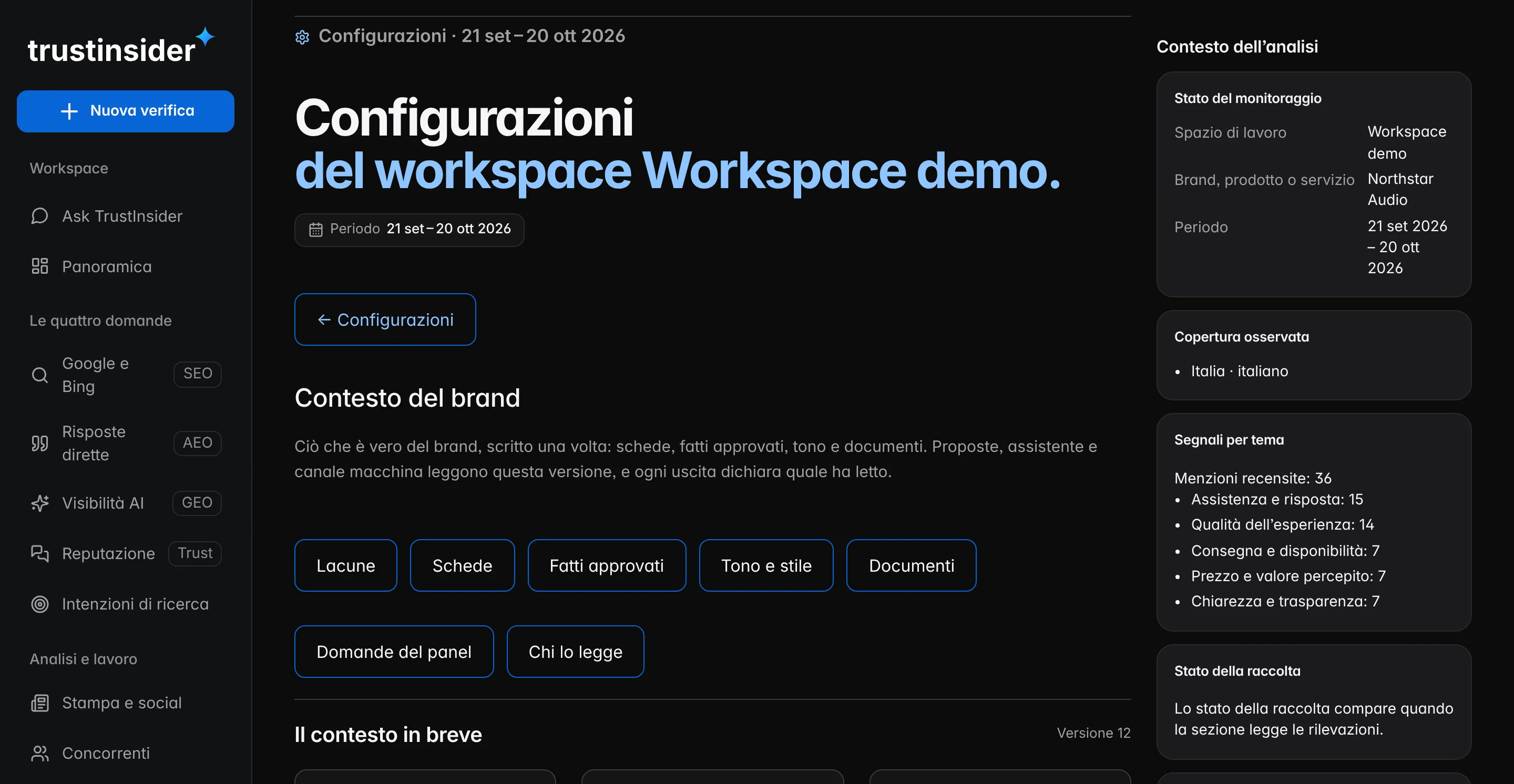
You state who you are, what you sell, how you speak and which facts are approved. Proposals, the assistant, the public profile and the AI answer checks read the same version, and every output records which one it read.
The problem
A prompt here, a document there, a number copied by hand: every text produced starts from a different version of who you are. And AI answers are judged without a common yardstick.

The warranty, the price, the battery life: written in ten places, updated in three.
Every draft sounds different, and the words to avoid keep coming back.
To say an AI answer is wrong you need to know what is true. In writing.
What it contains
The context collects what anyone writing for your brand needs, with a reference for every sentence: an approved fact, a document or the gap that makes it incomplete.
Who you are, where you operate, what you do.
Who you speak to, product by product.
Lines, features, terms.
The same as in monitoring, with the topic where each one is strongest.
Why choose you, in a sentence that can be verified.
What matters in this period.
Each fact with its source, who approved it and a review date.
Writing rules, words to use, words to avoid.
How it works
Every change creates a new version of the context. Outputs already produced stay tied to the version they read: none rewrites itself, and none composes the brand on its own.
| Output | What it reads | How |
|---|---|---|
| AI answer accuracy | Approved, unexpired facts | Always the current version |
| Intervention proposals | The full context | Records the version read |
| Ask TrustInsider | The full context | Records the version read |
| Public profile | The facts you choose to publish | Always the current version |
| Workflows | The full context | Records the version read |
| API and MCP | Approved, unexpired facts | Records the version read |
The gaps
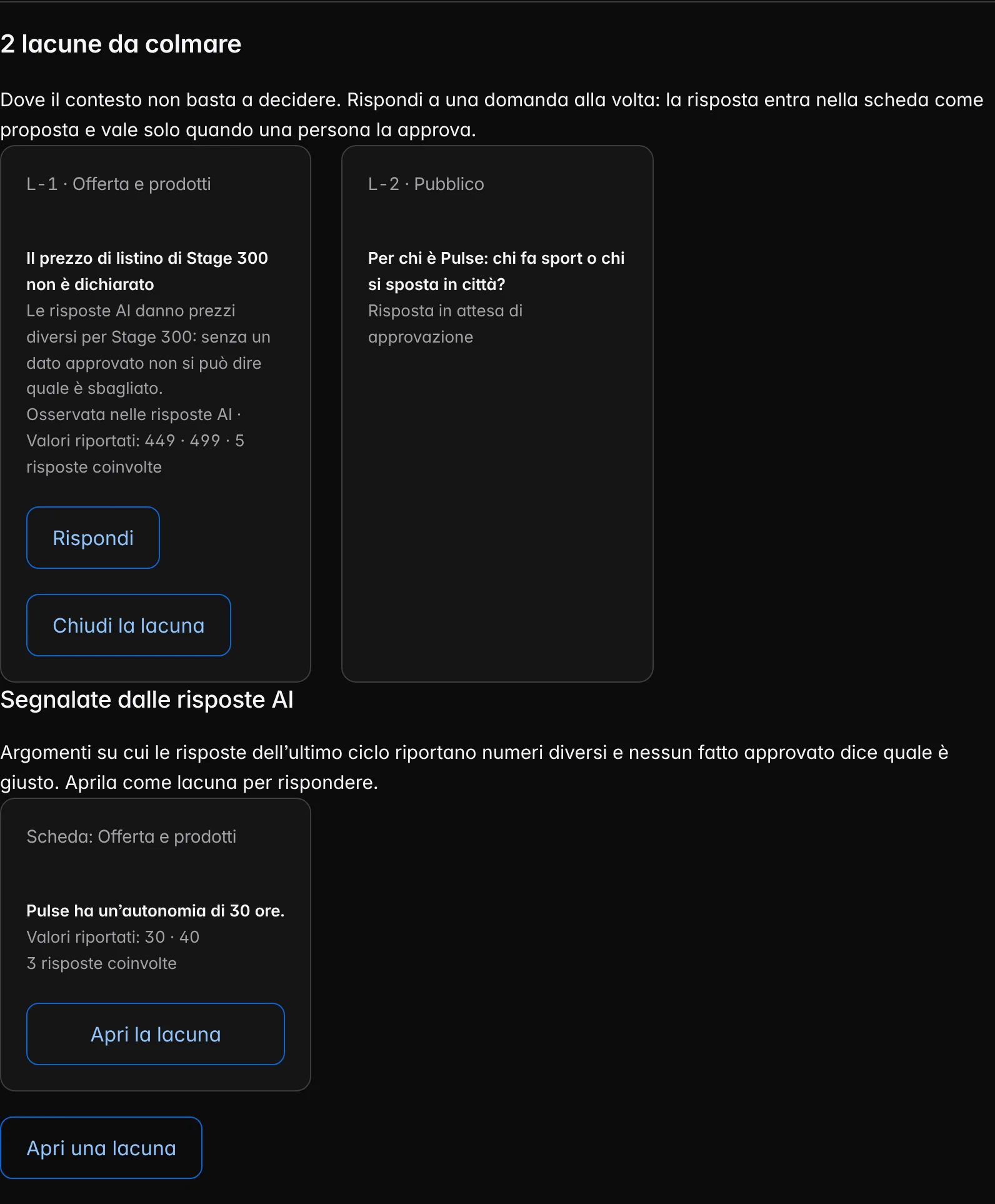
If AI answers give different prices for a product and no data is approved, nobody can say which is wrong. We flag it as a gap: what is missing, in which card, how many answers it involves. Answer one question at a time; the answer counts only once a person approves it.
The safeguards
The context guides analyses and proposals, so it must stay yours: declared, approved, versioned. Changing a fact doesn’t rewrite past observations.
A draft with a word to avoid doesn’t reach approval: it comes back with the reason.
Facts and answers are compared on the words: a paraphrase stays “not verifiable”, never counted as an error.
PDF, text, Markdown and CSV up to 2 MB, with no formats that contain macros or code.
Internal conversations, email and chat don’t enter the context.
Frequently asked questions
How a sheet entry differs from an approved fact, when an uploaded document enters the context, what happens when you change a fact and which files we accept.
A fact has a source, who approved it and a review date, and it is used to judge the accuracy of AI answers. A card entry guides whoever writes, but it doesn’t judge any answer.
No. A document is a reference: nothing enters the context without a person’s approval.
A new version of the context is created. Outputs already produced stay tied to the version they had read; past observations are not rewritten.
PDF, plain text, Markdown and CSV, up to 2 MB each. No formats that contain macros or code.
Related paths
Each feature answers a specific question. From here you move on to related features, to the methodology behind their measures and to help for using them in everyday work.
AI visibility, AI Trust Score, search, reputation, competitors, actions and execution: a feature for every question about your brand.
ReadHow TrustInsider works in six steps: brand, questions, quote, evidence, page-by-page intervention and a check on the same questions.
ReadHow every TrustInsider measure is built: sampling of AI answers, sources and rights, index calculation and declared limits.
ReadHelp with access, credits, collections, integrations and data: guides, FAQs, the site assistant and support requests from your workspace.
Read