Texts stuck in draft
The most useful interventions wait weeks for someone who can publish.

Fix execution
Connect WordPress, Shopify, Facebook and Instagram: approved fixes are written to the page or the channel, the published page is re-read and the effect is measured on the same questions. Every change can be undone for 30 days.
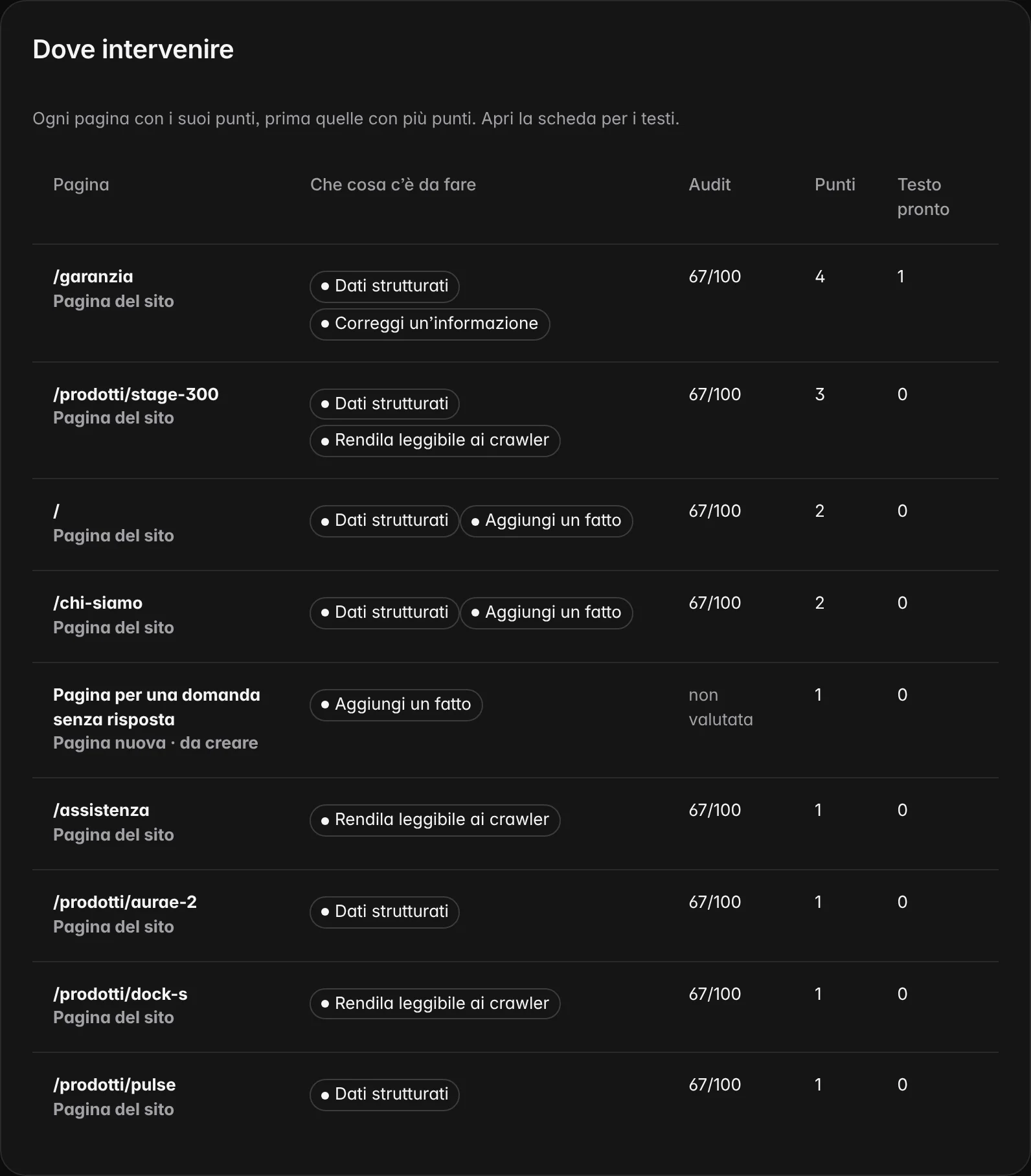
The problem
The proposal is ready, the text is right, but it stays in a document. Copy and paste introduces errors, nobody remembers what went out and when, and the check never starts.

The most useful interventions wait weeks for someone who can publish.
A copy and paste drops a line, or publishes the wrong version.
What was there before? Who approved? Without a receipt, nobody knows.
The cycle On request
Every change goes through the same cycle, on the site as on a social channel. Whoever follows it always sees where it stands, and no state is skipped.
The item, with the text and the fact it comes from.
A person with the permission accepts it, on that version.
The platform writes to the connection, with the service’s receipt.
The published page is read again and compared sentence by sentence.
Four observations on the same questions, against the control questions.
Improved, unchanged or worse, with the 95% interval.
Three modes On request
The mode is chosen per connection and applies to every point that ends up there. The default is with approval. Manual mode is included in every plan, approval mode in Monitor, Advanced and Enterprise, automatic mode only in Enterprise. Theme, menus and code are never written: those points go to your team as a ticket.

You copy the ready text and publish it yourself. We re-read the page and follow the effect as for the other modes.
A person approves each change, then the platform applies it. Whoever wrote the proposal does not approve it alone.
Only with the Enterprise plan and only for three change types declared safe, within a cap and a time window. Off by default: the owner switches it on, one connection at a time. Never on social media.
Automatic mode On request
Automatic mode, included only in the Enterprise plan, does not write new text. It applies only values that come from a source or an already approved fact, within strict, declared limits. New text, prices, availability, theme, menus and code always stay out.
| Rule | How it works | What it is for |
|---|---|---|
| Three closed types | Update date, structured data composed from approved facts and the catalogue, a correction with an already approved sentence | No new text goes out without a person |
| Daily cap | At most 5 changes a day per connection; beyond the cap the change waits for the next day | An error doesn’t multiply |
| Time window | Monday to Friday, 9 am to 6 pm, in the workspace time zone | Every change arrives when the team can see it |
| Undo | The previous version is kept: you go back with one click for 30 days | Every write is reversible |
| Log | Who, what, where, when, version before and after, service receipt, re-read outcome | Every change can be reconstructed |
| Pause everything | One command stops every write, automatic or approved; reads continue | Control stays with the owner |
The connections On request
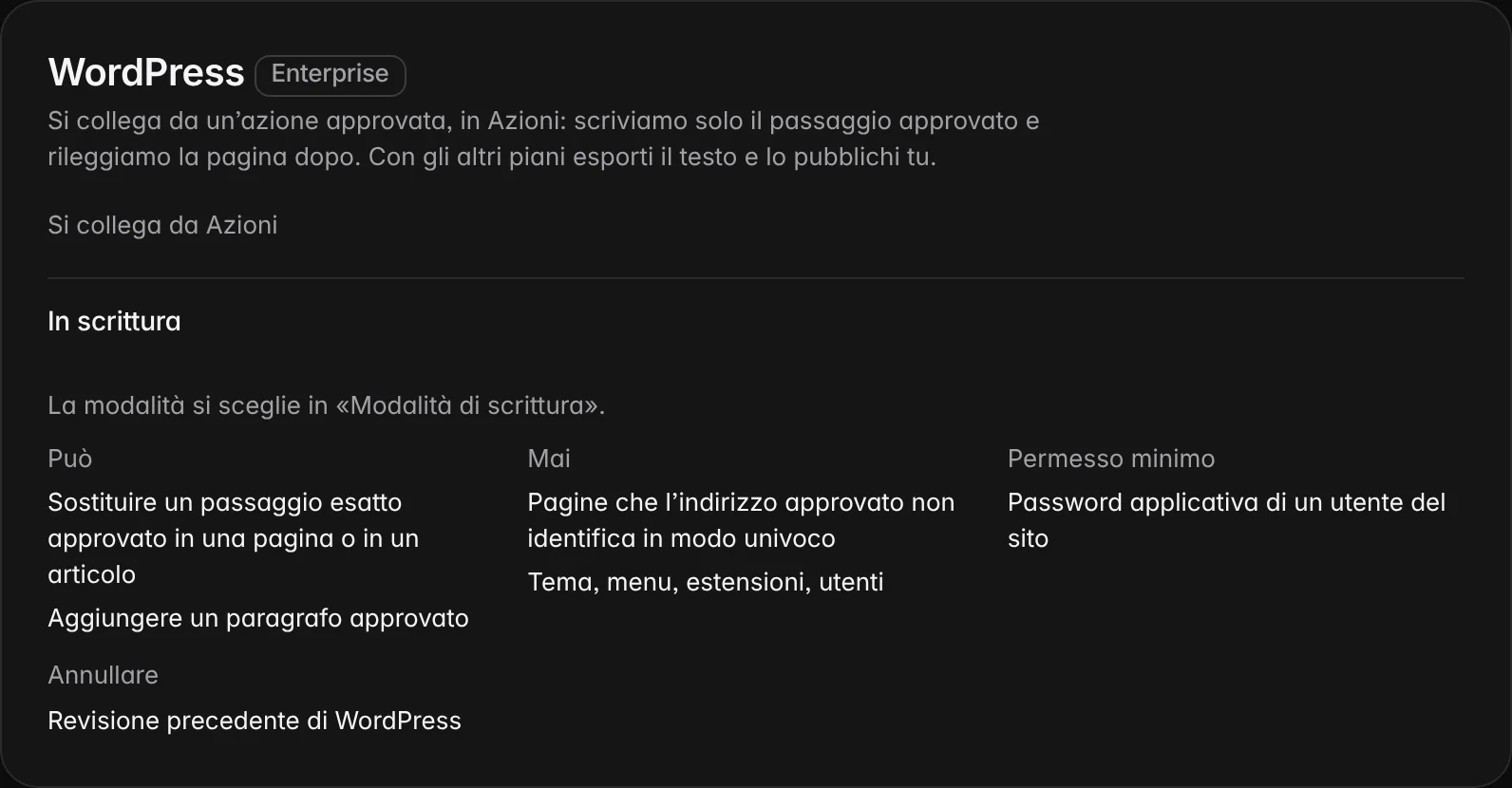
For each service you know what it can do and what it never does. Each change is undone the service’s way: previous revision, kept value, removed post. The permission required is always the narrowest the service offers: a broader permission is refused.
| Connection | Can write | Never writes |
|---|---|---|
| WordPress | An approved passage, an FAQ entry, structured data, the date; a new page always with approval | Theme, menus, plugins, users |
| Shopify | Product descriptions, information pages, metafields for structured data | Prices, stock, orders, customers, theme |
| Webflow and Contentful | One field of an item or entry, publishing only that | Structure, models, other spaces |
| Facebook and Instagram | An approved post on owned channels, the approved reply to a comment | Ads, spend, private messages |
| Google Merchant Center | The file with corrected attributes, to upload | Price and availability |
| Ticket | The item, the proposed text and the receipt, for anything touching theme or code | No public change |
After publication
The re-read page says the change is there. Whether it works is shown by the answers, on the same questions, compared with those nobody touched and with the previous period. Pages changed in the last 90 days are re-read at every observation: if the change disappears, you get an alert.
What re-reading the page says and what the following answers say, with the basis of each piece of evidence and what neither of them proves.
| Evidence | What it says | What it does not say |
|---|---|---|
| Page re-read | The approved text is published and readable. | That assistants’ answers have changed. |
| Answers to the same questions | Whether the description moved more than on the control questions. | That the cause is that change alone. |
| Re-reading within 90 days | Whether the change is still in place. | Why someone removed it, if it is missing. |
Security
Writing to a site is a responsibility. These rules apply to every connection, present and future.
Tokens live only encrypted on the server and never appear in clear text, not even to you.
A write starts only after a recorded approval, or within the rules of the automatic mode.
Undoing and pausing belong to whoever has publishing permission.
Undoing also has a receipt and a re-read. If the page changed in the meantime, it stops and says so.
What we don’t do
Reliable execution is also recognised by what it refuses to do. These choices are written in code, not in good intentions.
New text always goes through a person who approves it.
No pages reserved for crawlers: the change is the same for people and bots.
No result announced in advance: it is measured afterwards, on the same questions.
Frequently asked questions
What the platform writes and never writes, how you undo a change, what happens if you edit the page in the meantime and which permissions are needed.
No. New text always goes through an approval. Only three low-risk change types go out automatically, reusing values already approved or taken from the catalogue.
Yes, with one click, for 30 days. The previous version is kept; undoing also has its receipt and its re-read.
Undoing compares the page with the version we wrote: if it has changed, it stops and says so, instead of overwriting your work.
No. On social channels every output goes through a person who approves it.
No. We ask for the narrowest permission the service offers: an application password for WordPress, only pages and products for Shopify.
Related paths
Each feature answers a specific question. From here you move on to related features, to the methodology behind their measures and to help for using them in everyday work.
AI visibility, AI Trust Score, search, reputation, competitors, actions and execution: a feature for every question about your brand.
ReadHow TrustInsider works in six steps: brand, questions, quote, evidence, page-by-page intervention and a check on the same questions.
ReadHow every TrustInsider measure is built: sampling of AI answers, sources and rights, index calculation and declared limits.
ReadHelp with access, credits, collections, integrations and data: guides, FAQs, the site assistant and support requests from your workspace.
Read