Outdated prices
A store or comparison site cited with a price that is no longer valid.

AI Shopping
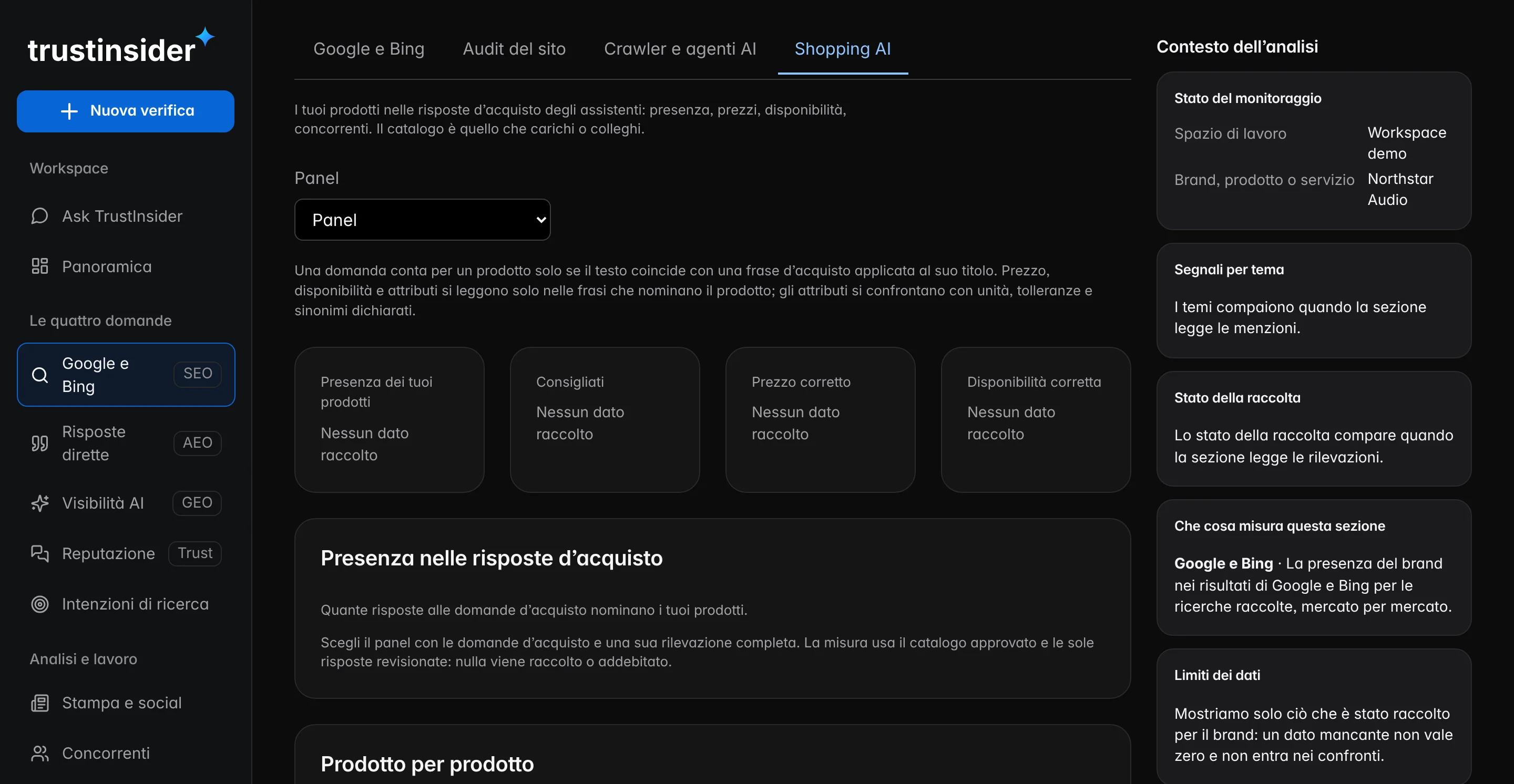
Bring the approved catalogue into buying questions and find out, product by product, whether AI assistants suggest yours, what they report on price and availability and which sources they rely on.
How buying is changing
More and more often, people who need to buy ask an AI assistant which product to choose. The answer suggests a few products, sometimes with price and availability, relying on sources you don’t manage. Being among those few matters as much as being in the shop window.

Three moments in a purchase, read in an online shop and in an assistant’s answer, which suggests a few products and relies on external sources.
| In an online shop | In an AI answer | |
|---|---|---|
| How many products | The whole catalogue, with filters and sorting. | A few products chosen by the assistant for the question. |
| Price and availability | The ones you publish, kept up to date by you. | The ones reported by sources you do not manage. |
| Who decides the order | Your shop, with its own rules. | The assistant, based on what it finds. |
What can go wrong
An external source with the old price, a marketplace showing you as sold out, a feature no page states: the answer repeats them to anyone asking the same question.
A store or comparison site cited with a price that is no longer valid.
“Sold out” or “not sold in Italy” when the product is available.
A decisive feature missing from the page text and the feed.
How it works
The starting point is the catalogue your team has approved. Buying questions come from your product titles through fixed phrases, never written by a model, and are saved in the panel through the usual path.
From a file, from Merchant Center or from Shopify read-only.
“Where can I buy…?”, “Is … worth buying?”, “What are the best alternatives to … to buy?”, up to 16 products.
For each product and assistant: answers that name the brand, recommend it and cite the product page, with their base.
Prices and availability compared with the catalogue, the sources supporting them and the most present competing product.
Every product
Not an average across the brand: every product has its own card, with the questions where it appears, the attributes cited, wrong or missing, the sources used and the products recommended instead of yours. Every gap becomes an intervention in the Action Center.
The sample record of a product from a fictional brand: where it appears, the wrong attribute, the source behind it, the product recommended in its place and the action.
Why it matters
Nobody can rewrite an assistant’s answer. But you can find the source of a wrong price, complete a product page or request a correction, and check what changes at the next observation.
Every product with its own base of answers, never a summary number.
The stores, magazines and marketplaces backing a wrong data point.
Every error becomes a proposal with priority, owner and check.
Frequently asked questions
What AI Shopping is, what we observe of assistants’ carousels and product cards, how buying questions are created and where the catalogue we compare comes from.
It is the analysis of your products in AI assistants’ answers to buying questions, starting from the catalogue you approved.
No. What is measured is the text answers to the panel questions. The assistants’ shopping surfaces and competitors’ prices are not collected.
From fixed phrases per language applied to the titles in your approved catalogue. The link between question and product is exact, never by similarity.
From a CSV, JSON or XML file, or from Merchant Center or Shopify read-only. Before measuring, you correct it and approve a version.
Related paths
Each feature answers a specific question. From here you move on to related features, to the methodology behind their measures and to help for using them in everyday work.
AI visibility, AI Trust Score, search, reputation, competitors, actions and execution: a feature for every question about your brand.
ReadHow TrustInsider works in six steps: brand, questions, quote, evidence, page-by-page intervention and a check on the same questions.
ReadHow every TrustInsider measure is built: sampling of AI answers, sources and rights, index calculation and declared limits.
ReadHelp with access, credits, collections, integrations and data: guides, FAQs, the site assistant and support requests from your workspace.
Read